
IT Help Desk Outsourcing
that keeps your IT team on projects
IT help desk outsourcing sends your staff’s password resets, access requests, and device or software problems to a dedicated team in your ticket queue. IT managers use it to free engineers for projects; MSPs use it white-label. Digital Minds BPO runs these teams from Naga City, Philippines, at an estimated $1,260 to $2,100 per agent a month, billed hourly.
Pick a time that suits you, straight from our calendar.
- Savings
- 70%
- Up to, against a US hire
- Retention
- 94%
- Client retention rate
- Partnership
- 4.7yrs
- Average client relationship
- Since
- 2010
- 15+ years building dedicated teams


Those teams ran on one model: dedicated seats and daily supervision. A help desk team would run the same way, inside your own systems.
What help desk outsourcing covers, and how it differs from a service desk
With help desk outsourcing, an outside team takes the IT tickets your employees raise and works them in your own ticketing and admin tools. The team logs, triages, and resolves first- and second-line issues, documents each fix, and passes anything deeper to your engineers. You keep the infrastructure, the security decisions, and the code; we work the queue.
A help desk resolves the ticket in front of it; a service desk also runs incident, change, and problem management. For IT service desk outsourcing, we staff the queue and you keep process ownership. Outsourced help desk work is for your own staff. For product troubleshooting for your customers, see technical support outsourcing; for orders and accounts, customer service.
Outsourced help desk services for your staff. Six kinds of ticket.
Our outsourced help desk services focus on first- and second-line work. Our agents take the tickets that need a person; your self-service portal deflects the simple ones.
Password resets and lockouts
Resets and unlocks, after the identity check your policy requires.
Access requests and permission changes
Access and permission changes, as your policy allows, signed off by your named approvers.
Joiner, mover, and leaver accounts
New-starter accounts, role changes, and leaver clean-up, run from your checklist.
Software and application issues
Microsoft 365, Google Workspace, and line-of-business app faults: reproduce, guide, document.
Remote device and network triage
Remote device triage and first-line VPN, Wi-Fi, and printer checks. Hands-on repairs return to you.
Service requests, logging, and routing
Requests logged, categorized, and routed to the right owner in your ticketing tool.
Tools we recruit and train agents to work in
We recruit for these and train agents on them, always inside your own stack. Name yours on the call and we will say whether we have used it.
ITSM and service desk
PSA for MSPs
Identity and admin consoles
Remote support
Knowledge bases
Telephony and chat
T1, T2, and T3 on a help desk queue, and what stays with your IT team
T3 is a senior troubleshooter who leads the queue; infrastructure, security, and code work sits in no tier.
| Item | T1 (L1) | T2 (L2) | T3 (senior lead) |
|---|---|---|---|
| What it handles | Routine staff tickets from your runbooks and knowledge base | Tickets the runbook steps do not solve | The hardest tickets, plus coaching and queue ownership |
| Typical tickets | Resets, lockouts, new-starter setup, access requests | App faults, Microsoft 365 or Google Workspace issues, VPN and printer problems | A fault hitting many users, or a stalled escalation |
| Escalates when | The runbook fix fails or the cause is unclear; to T2 | The cause repeats across users or needs deeper checks; to T3 | The fix needs a server, network, security, or code change; to your IT team |
| Who owns the next step | We fix what the runbook covers; your IT team handles infrastructure, security, and code | We apply approved settings and workarounds; your IT team handles infrastructure, security, and code | We own the ticket and the handoff; your IT team makes any server, network, security, or code change |
When a ticket leaves our queue. Here is what your IT team gets.
What does an escalated ticket contain?
The user’s issue in their own words, device and account details, and the steps already tried. It also carries screenshots or logs, the business impact and urgency, and who owns the next step, all inside your ticket.
How does it reach your team?
Through the ITSM or channel your engineers already watch, such as an assignment group or a Teams channel. You choose the route during onboarding, and we write it into the runbook.
What does our agent tell the user while it waits?
The agent confirms the escalation, says who has it, and gives the update wording you approved. Each update is logged on the ticket.
How is the fix confirmed and closed?
Your engineer notes the fix on the ticket. Our agent confirms with the user that it worked, then closes it in your system.
White label help desk for MSPs and IT firms. Your brand, our seats.
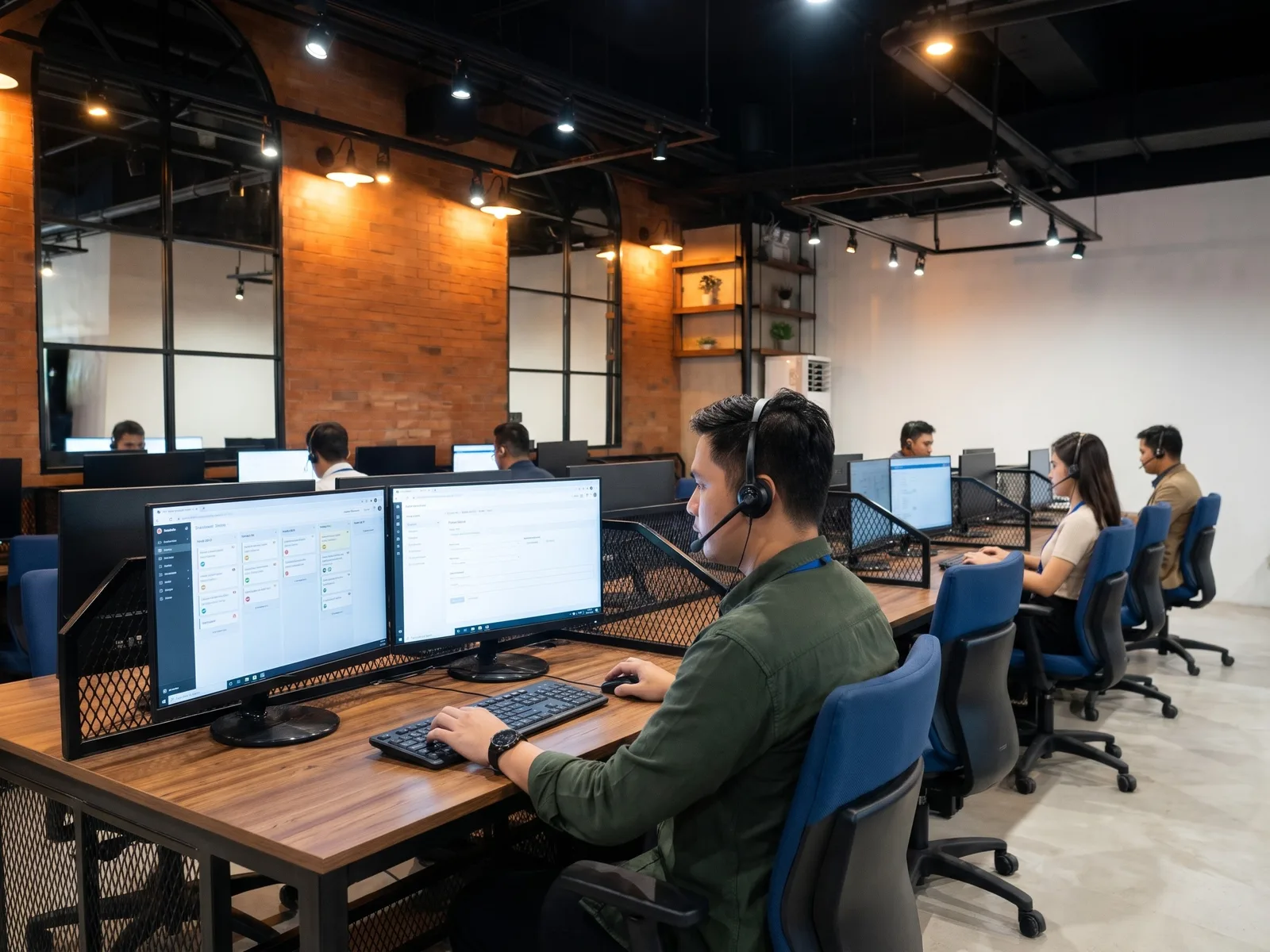
Running an MSP or IT firm? A white label help desk for MSP clients gives you dedicated L1 and L2 seats without hiring locally. Our agents work as your help desk, inside your PSA, from your runbooks, under your brand. It is MSP help desk outsourcing on full-time seats, never a shared pool, at the same three hourly rates.
- Your email domain and phone greeting; your clients never see our name
- Your PSA and your runbooks
- Dedicated seats, not a shared pool
- Your engineers keep escalations and the client relationship
- Same three hourly rates
Who we support
SaaS and technology companies
Staff tickets can eat a lean IT team’s week. T1 and T2 seats take the resets and setups so your engineers keep shipping.
- SSO and password problems
- Laptop and software setup for new hires
- Access to internal tools, as your policy allows
- Google Workspace and Slack issues
Healthcare
Staff need working systems before the next appointment. Every change follows your access rules.
- Account lockouts and password resets
- New clinician and front-desk accounts
- VPN and printer connectivity
- Application errors logged for your vendor
Financial services and insurance
Access changes need sign-off. The desk logs each request and waits for your named approver.
- Access requests routed for approval
- Locked accounts after failed sign-ins
- Joiner and leaver account changes
- Remote sessions for user device issues
Multi-site and professional services
Branch offices get one queue, one runbook, and one place to ask.
- Wi-Fi and VPN problems at branch offices
- New-starter setup at each site
- Printer and shared-drive access
- Microsoft 365 license and mailbox questions
Do not see your sector? Browse our industries.
How a help desk team goes live
A team of 5 goes live in 2 to 4 weeks from the signed agreement and deposit; a bigger team takes longer.
- Step 01Together
Map your queue
A discovery call covers your ticket types, channels, hours, tools, and escalation paths. We confirm the roles, team size, and timeline.
Your partWalk us through a week of tickets.
- Step 02Our side
Review the proposal
We send a proposal with the team structure, rates by tier, the recruitment timeline, and an overview of the contract terms, including the 3-month pilot.
Your partReview it and sign to confirm scope and rates.
- Step 03Together
Sign the agreement
We send the service agreement, which holds an NDA and an outsourcing agreement. You sign it and pay a one-month security deposit, applied to your final month. Recruitment begins.
Your partSign the agreement and pay the deposit.
- Step 04Together
Choose your team
We source and screen candidates, test them on skills, communication, and tool proficiency, then set up video interviews with the shortlist.
Your partInterview the shortlist and pick your people.
- Step 05Together
Start on your queue
Agents begin in our Naga City offices and train on your runbooks, knowledge base, and tools; the first 5 days of training are free. Reviews at 30, 60, and 90 days track your KPIs.
Your partShare runbooks, KB, account access, and an escalation contact.
Help desk rates. Priced by seat, not by ticket.
One rate card, three tiers, priced per person. There is no per-ticket, per-user, or per-device charge.
$1,260 to $2,100 per agent per month ($7.50 to $12.50 an hour), estimated, billed hourly.
Help desk team
Dedicated help desk team- T1 · 0 to 1 years$7.50/hr$1,260 est./month
- T2 · 1 to 3 years$9.50/hr$1,596 est./month
- T3 · 3 to 6 years$12.50/hr$2,100 est./month
Each rate carries the seat, the workstation and IT support, payroll and HR, and daily supervision by a Team Leader and a Project Manager, so there is no second bill for management. Teams start at 3 agents: three T1 seats come to an estimated $3,780 a month. We bill each month on the hours your team actually works. You do not pay for vacant seats, replacement gaps, or unpaid absences; the one exception is the notice period after the pilot.
In-house help desk hire or a dedicated team?
| Item | Digital Minds dedicated team | In-house hire |
|---|---|---|
| Fully loaded cost | $1,260 to $2,100 est. monthly per agent, billed hourly; workstation, supervision, and HR included | Salary, payroll taxes, benefits, equipment, and space for every hire |
| Time to hire | A team of 5 goes live in 2 to 4 weeks; larger teams take longer | You run the search, interviews, and onboarding, one hire at a time |
| Training and ramp | First 5 days of training free, then reviews at 30, 60, and 90 days | You run the training while the salary runs |
| Supervision and QA | A Team Leader and a Project Manager supervise daily at no extra charge | Your IT manager coaches and reviews tickets on top of their own work |
| After-hours coverage | Scheduled to your hours; true 24/7 needs at least 5 agents on a queue | Each extra shift means more hires, or an on-call rota for your engineers |
How your systems stay yours. And what we do not claim.
Access to your systems
- You create our agents’ accounts in your systems
- You set their permissions and MFA
- Agents connect through VPN from our workstations
- You can revoke access at any time
Facilities
- Agents work only from our Naga City facilities, never from home
- Biometric fingerprint access to production floors
- 24/7 security guards and CCTV
- No personal phones or USB drives on the production floor
Workstations and network
- Company-owned, hardened desktops
- USB ports restricted and printing disabled
- Redundant internet lines and power, with backup generators
People
- Every employee signs an NDA at hiring
- All hires go through NBI, police, previous-employer, and reference checks
- Agent activity is recorded by default
- Data-protection training at onboarding, and a certified Data Protection Officer under the Philippine Data Privacy Act (RA 10173)
What we do not claim: we do not hold SOC 2 today, we do not hold ISO 27001 certification, and we make no PCI DSS claim.
Proof, with the definitions attached
- Client retention rate
- 94%
- Average length of a client partnership
- 4.7 yrs
- Voluntary attrition, all staff, annual
- 8 to 10%
- Philippine BPO voluntary attrition (CCAP and Willis Towers Watson: 31% in 2022, 36% in 2021)
- 31 to 36%
- Capacity to build single-client teams
- 50 to 100+
Our voluntary attrition is roughly 3 times better than that benchmark.
From our clients
We had a bad experience with an outsourced staff prior to them and this gave us a negative impression with the bpo industry. … 4 years later we are still working with them! It was the best decision we ever did in our business.

We’ve been so happy with our decision to work with Digital Minds as our outsourcing solutions provider. They have been the perfect offshore outsourcing partner for us not just because of the cost savings but because of the quality of the Filipino Workers they have provided us.

Their team has integrated so well that it feels like we have them physically in the office.

These quotes come from clients outside help desk.
A desk team learns your users and your systems over months. Our clients stay long enough to benefit.
Help Desk Outsourcing Philippines. How coverage works.
Four things decide whether a Philippine team can run your desk: time zones, coverage, English, and supervision. Before you hire offshore help desk team members, get a plain answer to each.
Time zones. US Eastern 9am to 5pm runs about 9pm to 5am in Manila, and a UK day runs from late afternoon to midnight. Australian east-coast hours fall inside the Manila working day.
Coverage. A 24/7 help desk is available with at least 5 agents on one queue. Three or four cover extended hours, and your proposal says which you are buying. Each shift change comes with written ticket notes and an open-items list.
English. Agents are screened for spoken and written English and tested on tool skills. You interview the shortlist on video first.
Supervision. In our help desk outsourcing Philippines model, every agent works from our Naga City offices, none from home. A Team Leader and a Project Manager supervise daily, and activity is recorded by default.
These shift by an hour when clocks change.
How to choose a help desk outsourcing partner
Shortlisting help desk outsourcing services? Put these five questions to every provider, including us.
| Criterion | Question to ask | What to look for |
|---|---|---|
| 01Tier ownership | Question to askWhich tier fixes what, and who takes over when a ticket escalates? | What to look forAn owner named for each tier, with infrastructure, security, and code staying with you. |
| 02Access and permissions | Question to askWho creates the agents’ accounts and decides their permissions and MFA? | What to look forA written model where you issue the accounts, set permissions, and can revoke them. |
| 03Your ITSM and runbooks | Question to askWill agents work in our ticketing tool, or move us onto theirs? | What to look forWork done in your tools and runbooks, with the tools named. |
| 04Dedicated or shared | Question to askAre the agents dedicated to us, or shared across clients? | What to look forDedicated, full-time seats with a stated minimum team. |
| 05Coverage and minimum team | Question to askWhat team size does round-the-clock cover need, and what is your minimum? | What to look forThe 24/7 staffing rule in writing, plus how shifts hand over. |
Is this a fit? We would rather say so now.
Talk to us if
- You want to outsource help desk work to a team of 3 or more, dedicated to you and working inside your tools
- Your IT team can hand over runbooks, account access, and a named escalation contact
- You want recruiting, training, and daily supervision handled for you, for your own desk or your MSP clients’
Look elsewhere if
- You want to hand all of IT to a managed service provider, including a NOC or onsite work
- You need L3 engineers to change infrastructure or code
- You need fewer than 3 people, or per-ticket pricing
Request a proposal
Tell us your ticket types, the ITSM your queue runs in, the hours you need covered, and whether you are an end company or an MSP. An advisor reads every request and replies with questions or a proposal outline.
We came to Digital Minds BPO with a customer service turnover problem in the US. What surprised me most was how quickly the team became part of our family.
Help desk outsourcing FAQs
What is help desk outsourcing?
How does IT help desk outsourcing work?
How much does IT help desk outsourcing cost?
Can your agents reset passwords and change access in our systems?
Can you run a white label help desk for an MSP?
Can you cover 24/7?
What is the minimum team, and what are the contract terms?
Is our data secure?
Send us your ticket mix. We’ll size the team and show the rates.
Book a consultation and we will walk through your ticket types, your tools, and what reaches your IT team.
US +1 302 501 7702 · UK and Europe +44 736 049 6832 · Australia +61 495 033 200 · New Zealand +64 781 07413